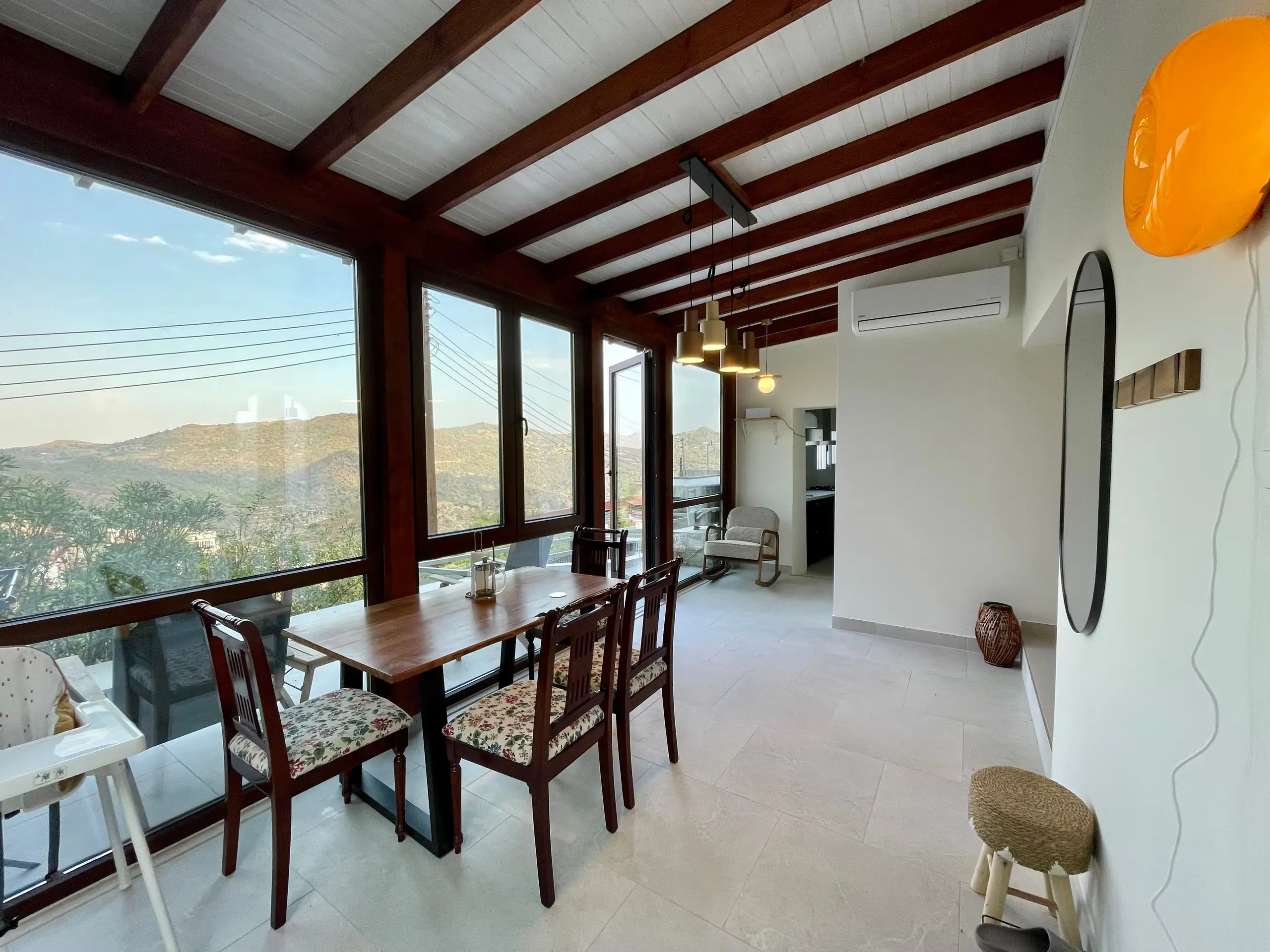
Available for your stay
Late Checkout
Stay a little longer, until 5:00 p.m.
25 Euro

Install Guest App
Welcome to your vacation rental. This guest app contains important information for your stay.
Everything you need for a relaxed stay, right here.
Everything you need to get settled quickly.
A quick checklist to make check-out easy.
Stay a little longer, until 5:00 p.m.
Check-in begins at [time]. Login information: [details].
Access to the building and the apartments: [Details].
Parking: [details].
Apartment address: [Address].
Wi-Fi Name and Password
Please be considerate of the apartment, the neighbors, and the house rules.
Check-out by [time]. Please follow the instructions below when checking out.
Emergency contact: [phone number].
Do you need help? Contact your host at [phone number] or via [email].
Useful information about the building, the entrance, and the common areas.
Where can waste and recyclables be disposed of: [Details].
Recommendation for breakfast or coffee nearby: [Name].
A recommendation for a restaurant in the area: [Name].